Home
A woman smiles at the camera holding a tablet in her hand. Behind her, three younger people sit with notebooks and pens, and a chalkboard is visible in the background

Teachers

Experience chaos free teaching

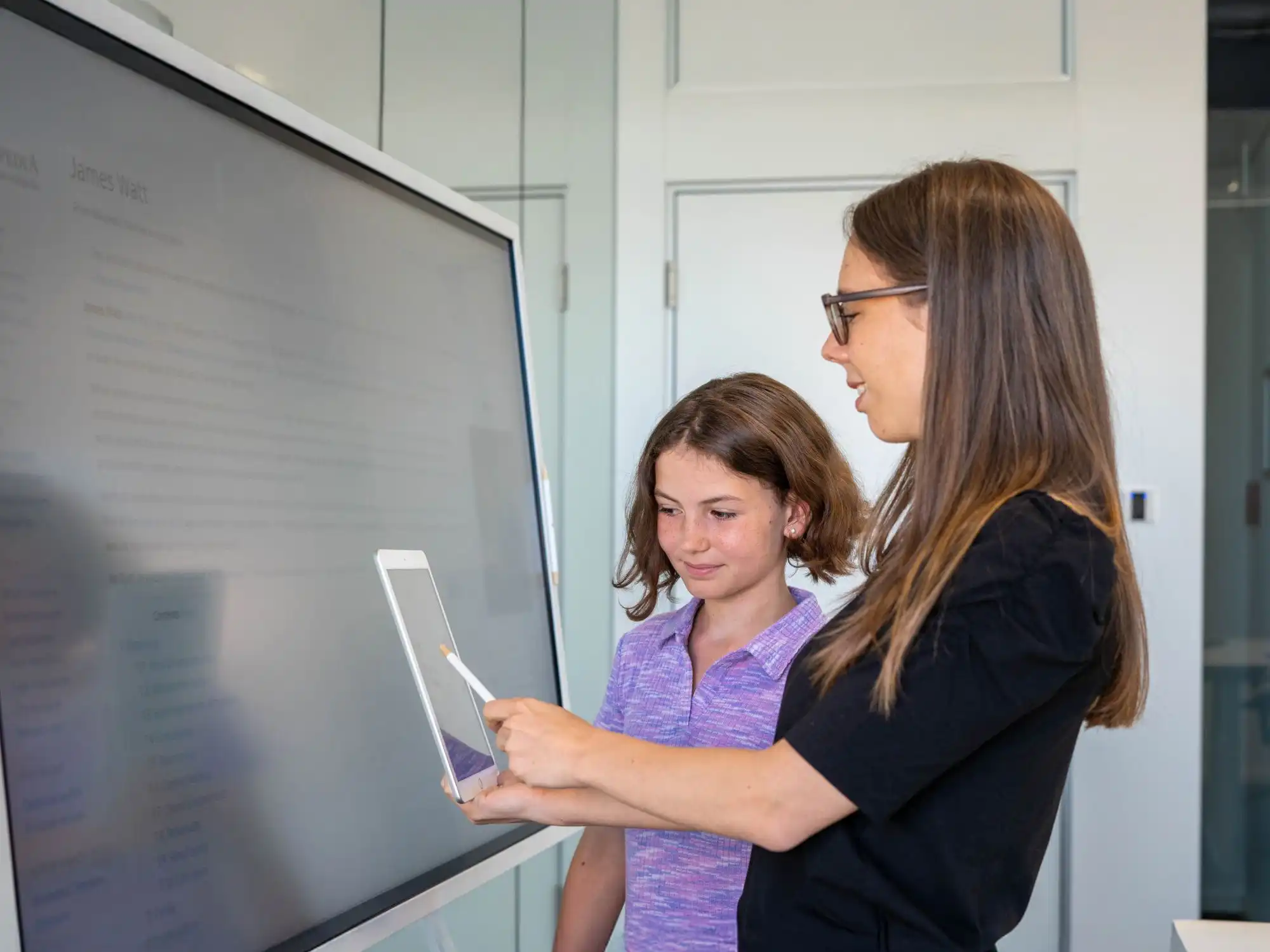
A teacher and a student working together on two digital devices in the classroom

Relution MDM for teachers

Teachers design their lessons with devices they did not set up themselves. Even so, they have to be able to rely on providing exactly the apps and content needed for the lesson in question. A mobile device management system makes sure the tablets arrive in the classroom ready for use: with the school's learning apps, without personal accounts and with a content filter that runs permanently. The Relution Teacher Appadds control over the individual lesson.

Digital device management for teachers

Relution distributes the learning apps in the background, sets up access to the school network and applies age or category restrictions. This means students do not need a personal Apple, Google or Microsoft account, because sign-in runs via the school account. If an app is missing for a lesson, the teacher submits an app request in the portal, which the IT administration reviews and approves. On devices from a class set, every student finds their own work, because the assignment runs via the sign-in and not via the device.

Child protection on school devices

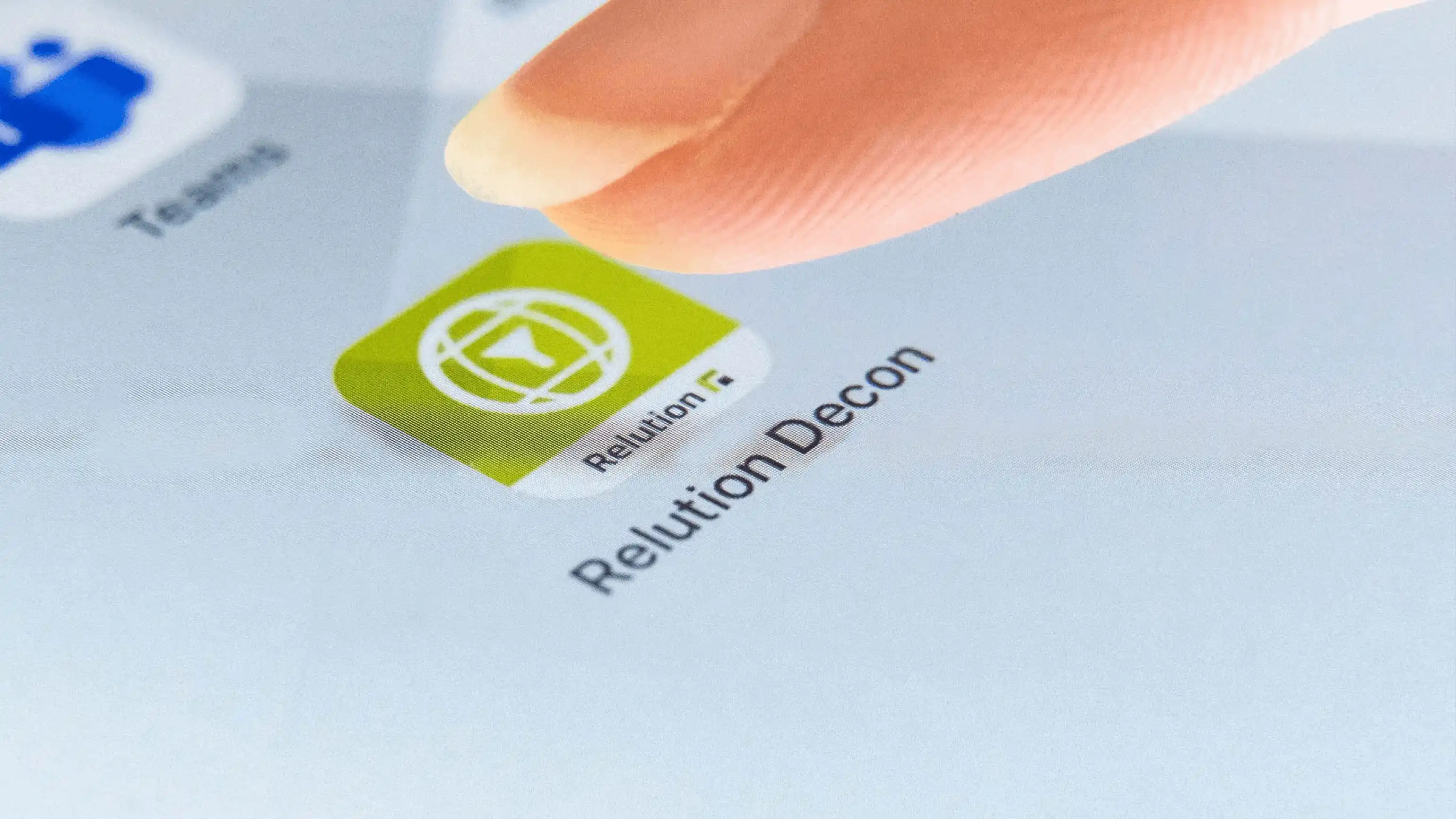
Relution Decon takes care of protecting minors. The content filter analyzes the websites opened in real time, classifies them with AI and recognizes text as well as images. Besides categories such as violence or pornography, this also allows phishing sites and generative AI services such as ChatGPT to be blocked. Because the filtering does not depend on the school network, it also applies outside school.

What does Relution offer teachers?

Relution covers the three areas that shape teaching with tablets: preparing the lesson, controlling it while it runs, and protection from content that has no place there.

Relution in everyday school life

  • Preparing the lesson
    A lesson profile contains what is needed for a thematic unit and can be reused in every class that covers this topic. Creating a separate profile for each individual lesson is therefore not necessary. What can go into a profile:

    • Apps from the Relution App Store, which holds only the applications approved by the school
    • System apps and web links, which can still be added shortly before the lesson
    • System functions such as showing Safari or enabling AirDrop for handing out worksheets
    • The examination profile type, which shows students the examination mode on the device
    • Personal profiles that are not visible to other teachers
  • Controlling the lesson

    At the start of the lesson, the teacher selects the class and the matching lesson profile and starts the lesson. Absent students can be removed from the list beforehand, so that the profile is only distributed to the devices of the students present. For a group made up of several classes, there is the ad-hoc class. During the lesson, these functions are then available:

    • An overview of all student devices with color coding of their status
    • Apple Classroom for launching apps, locking individual devices and viewing screens
    • Samsung Classroom Management for the same tasks on Samsung devices, with a separate license
    • Control without an Apple ID on the student devices
    • Manual starting and ending, even when the class is not sitting in the room
  • Filtering content

    A filter that the teacher would have to switch on again every lesson would get lost in everyday school life. Relution Decon therefore runs permanently on the device, configured by the IT administration. How the filtering works:

    • Analysis and classification of the pages opened in real time, recognizing text and images
    • Categories for the protection of minors, plus phishing sites and generative AI services
    • Individual sites and apps can be allowed or blocked independently of their category
    • Filtering independent of the network, so also outside the school Wi-Fi
    • Available for iOS and iPadOS, and for Android Enterprise since Relution 26.3

Teaching instead of device support

Teachers are trained to teach and not to configure tablets. Device management that puts the preparation into reusable profiles and handles the filtering in the background is the basis for a lesson that starts with the topic and not with the technology.

Frequently asked questions about Relution for teachers

With the app, teachers create lesson profiles in which the apps, web links and device functions for a teaching unit are put together. During the lesson, the profile that has been started determines what is available on the student devices. The classes come from Relution automatically, so no manual assignment is needed. A Relution Education license and the "Teacher" permission for the teacher are required.

The app is available for iOS, Android and Windows, and from Relution 5.24 also as a web app in the browser. This means lessons can be controlled from a tablet, a laptop or a computer in the staff room. The student devices can be iOS, iPadOS or Android.

Via the app request in the Relution portal. The requests from all teachers come together there, the IT administration reviews them and approves the app. It is then available in the Relution App Store and can be added to lesson profiles. This removes the need for emails to the school IT.

No. Lesson profiles can be reused across classes, which is why thematic units work better than individual lessons. A profile for German lessons in year 7 can be started in every parallel class. When there are many profiles, the search and the filters for your own profiles, personal profiles and examinations help.

When creating a profile, the examination profile type can be selected. On the student devices, this shows that the lesson is in examination mode, and on iOS the profile additionally sets the wallpaper. Only the apps and web links stored in the profile are then available. For a clean switch back, a standard wallpaper in a separate policy is recommended.

When starting the lesson, absent students can be removed from the class, so that the profile only reaches the devices of those present. For a group that does not correspond to a class, such as an elective course or a project group, there is the ad-hoc class. All students in the organization are available for selection there.

The Teacher App prepares the lesson and defines what is available on the devices. Direct control during the lesson is handled by Apple Classroom, for example launching an app on all iPads, locking individual devices or looking at the screens. On Samsung devices, Samsung Classroom Management takes on the same role, for which a separate license is needed. The classes from Relution are automatically available in both apps.

Each student signs in with their own school account and works with the apps intended for their year group. If the IT administration has set up file shares, the work results are stored on the school server and not on the device. Next time, they are therefore also available on a different tablet. After signing out, no data is left behind for the next user.

Yes. Starting and ending a lesson profile is not tied to the classroom, so a group working from home can be managed as well. For the devices, it makes no difference which network they are on.

Relution Decon analyzes the pages opened in real time and classifies them with AI, with the recognition covering text and images. Besides the categories for the protection of minors, phishing sites and generative AI services such as ChatGPT or Perplexity can be blocked. Individual sites and apps can be allowed or blocked independently of their category. The filtering does not depend on the school network and therefore also applies on the move.

The setup is handled by the school's IT administration: enrolling devices, creating classes, assigning permissions. After that, signing in to the Teacher App is enough to create a first lesson profile. One tip from practice: the apps for the lesson should already be on the devices rather than being installed with the profile, otherwise the setup time at the start of the lesson increases.

Yes. Admin mode allows a lesson to be ended even if the teacher started it and cannot be reached. This helps when a profile keeps running by mistake and devices stay locked after the lesson.