Home
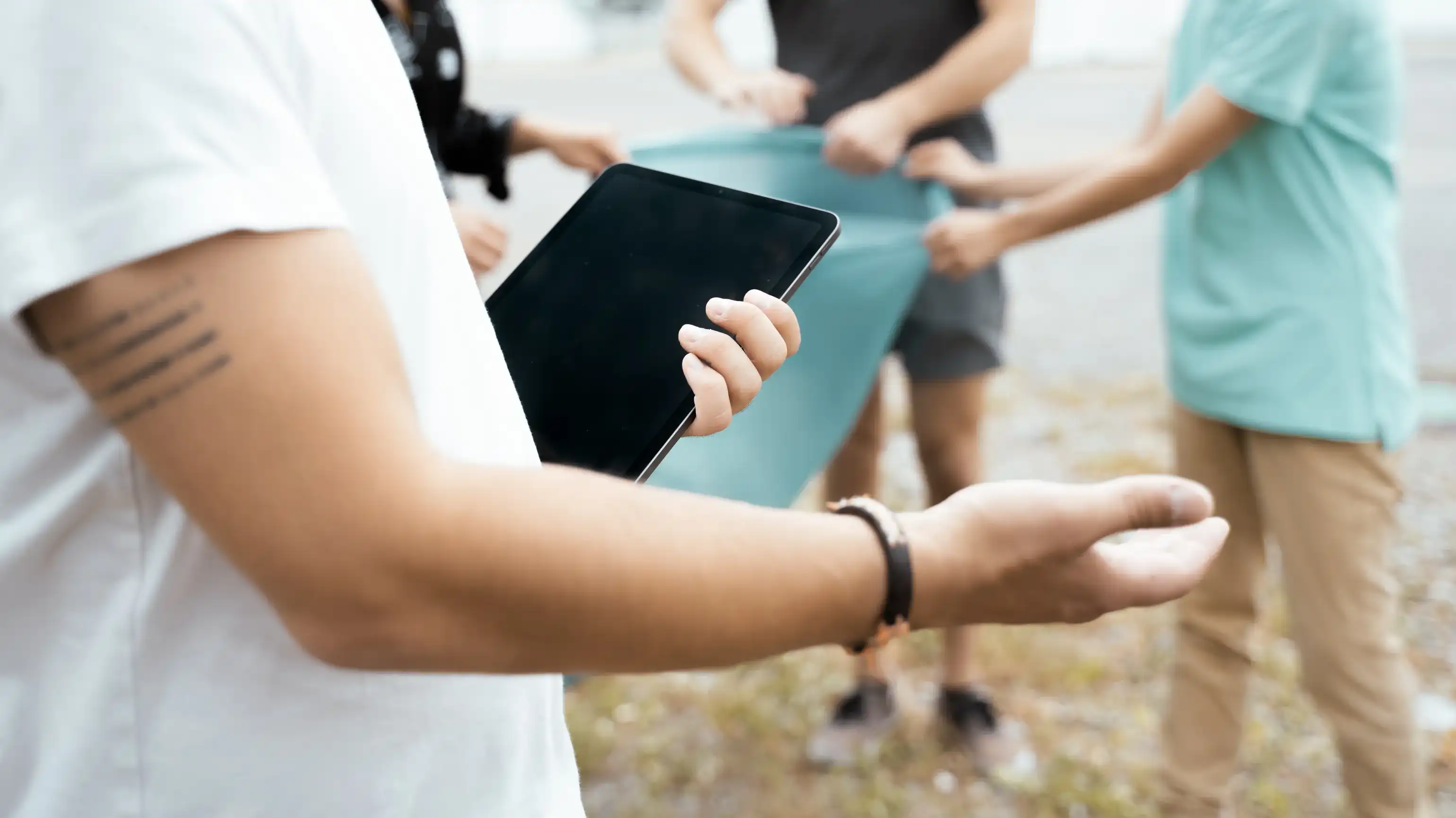
A person holds a tablet in the foreground while several people work together outdoors in the background

Digital NGO

Device management for staff and volunteers

MDM for NGOs

In humanitarian aid, environmental and climate protection or animal rescue, NGOs work with tablets, smartphones and laptops, at sea, abroad or locally in their association. Permanent staff and volunteers share devices, use their personal smartphones and, during missions, collect data about people who need special protection.

Relution is an MDM and UEM solution that manages these devices from a central interface. Devices can be enrolled automatically, then load their profile and receive the approved apps. If a device is lost, IT locks or wipes it remotely. The same platform manages stationary computers in the office.

Personal cloud IDs from Apple, Google or Microsoft are not required for operation, because local directory services are connected via Active Directory, LDAP, SAML and OpenID Connect. Relution is developed in Stuttgart and is subject to German and European law, including the General Data Protection Regulation (GDPR).

What challenges does device management pose for NGOs?

Between the office, the mission site and the ship, devices frequently change hands. This results in five requirements for an MDM system:

  • During missions, data on identity, family relationships, health or political beliefs is collected, sometimes including biometric characteristics. If it falls into the wrong hands, people in need and the mission itself are put at risk.
  • Volunteers join for a project and leave again afterwards. Their access to the organization’s apps and data ends on their last day of deployment.
  • Several helpers often share one device. The next person sees their own apps instead of the previous user’s entries.
  • Anyone working without a company phone uses their personal smartphone. The organization’s data resides there in its own separate area.
  • If a device is lost or stolen during a mission, IT locks or wipes it remotely.

Digital device management for NGOs, associations and aid organizations

With Relution, non-profit organizations manage iOS, iPadOS, macOS, tvOS, visionOS, watchOS, Android Legacy, Android Enterprise, Samsung Knox, Windows 10 and 11, ChromeOS and Linux distributions via a browser-based interface. New devices can be enrolled via Apple DEP, Android Enterprise Zero-Touch, Samsung Knox Mobile Enrollment (KME), Windows Autopilot or QR code. Password policies, Wi-Fi and VPN access and certificates are distributed via profiles, without credentials being passed on to users.

Relution runs in the organization’s own infrastructure or in German data centers, on a shared or dedicated server. No data is processed outside the EU. The association Sea-Watch e.V. uses Relution in civilian sea rescue. Before each mission, a small team provides the iOS devices, either assigned to a person or in multi-user mode, and resets them to their initial state after each operation.

What does Relution offer NGOs?

Three scenarios come up again and again in the work of NGOs: protecting sensitive data, devices for changing helpers and volunteers’ personal devices.

Relution in use

  • Mission data on in-house servers

    Data on identity or health collected during missions is stored on the organization’s servers.

    • Via connected file shares, staff access the organization’s file servers over SMB or WebDAV
    • Collected data is stored centrally there, and targeted access control keeps unauthorized persons away from the data areas
    • Wi-Fi and VPN access and certificates are delivered to the device via profiles, without credentials being passed on to helpers
  • One device for changing helpers

    Several helpers often share one device, and the organization provides the apps centrally.

    • In the Relution Shared Device mode, several people use the same device one after another, logging in via a Relution or LDAP account without a Managed Apple ID
    • Each person receives the apps of their profile; when they log out, the apps are uninstalled and temporary data is cleaned up
    • For Windows computers in the office, the Shared PC policy is available
    • Single App Mode restricts Android devices to a single application, for example an app for on-site registration, and Multi App Mode to an approved selection
    • Via the Apple Volume Purchase Program (VPP), the organization procures app licenses centrally, and IT provides its own apps via the Relution Enterprise App Store
  • Organization data in the Work Profile

    Personal smartphones are integrated via the Android Enterprise Work Profile or Apple User Enrollment.

    • The organization’s apps and data are kept separate from the personal area
    • Administrators have no visibility into the personal apps installed there
    • When a person’s involvement ends, deleting the Work Profile removes all of the organization’s data, while personal data is retained

Planning device management for your organization

Which devices are used in the office, during missions and by volunteers, and whether Relution should run in your own infrastructure or in German data centers, is best clarified in a personal conversation with the Relution team.

Frequently asked questions about device management for NGOs

NGOs collect data about people who need special protection on tablets and smartphones, and these devices often change between permanent staff and volunteers. An MDM system sets up the devices centrally, distributes policies and apps and removes the previous person’s data at logout. If a device is lost, IT locks or wipes it remotely. On personal smartphones, this only affects the organization’s area.

Relution manages iOS, iPadOS, macOS, tvOS, visionOS, watchOS, Android Legacy, Android Enterprise, Samsung Knox, Windows 10 and 11, ChromeOS and the Linux distributions Ubuntu, Debian and Red Hat. Management is browser-based.

Relution runs either in the organization’s own infrastructure or in German data centers, on a shared or dedicated server. No data is processed outside the EU. Data accessed via connected file shares remains on the organization’s file servers.

Yes. Local directory services are connected via Active Directory, LDAP, SAML and OpenID Connect. Personal cloud IDs from the manufacturers are not required for operation.

On iOS devices, each person logs in to the Relution Shared Device mode with a Relution or LDAP account and receives the apps of their profile. When they log out, the apps are uninstalled and temporary data is cleaned up. For Windows 10 and 11, the Shared PC policy is available.

The organization’s data resides in the Android Enterprise Work Profile or in Apple User Enrollment, separate from the personal area. Administrators have no visibility into personal apps. When the Work Profile is deleted, only organization-related data is removed.

The device can be locked or wiped via the actions in the Relution portal. Android Enterprise devices also offer Lost Mode with locking, location tracking and a message on the lock screen. On personal devices with a Work Profile, wiping only affects organization-related data.

Relution is currently undergoing certification according to Common Criteria EAL 4+ (ISO/IEC 15408) and is on the list of permitted MDM server products for Brightsite use with a BSI approval statement.