Home
An elderly woman sits next to a younger woman in medical clothing who is explaining something on a tablet

Digital healthcare

Patient data on managed devices

MDM for Healthcare

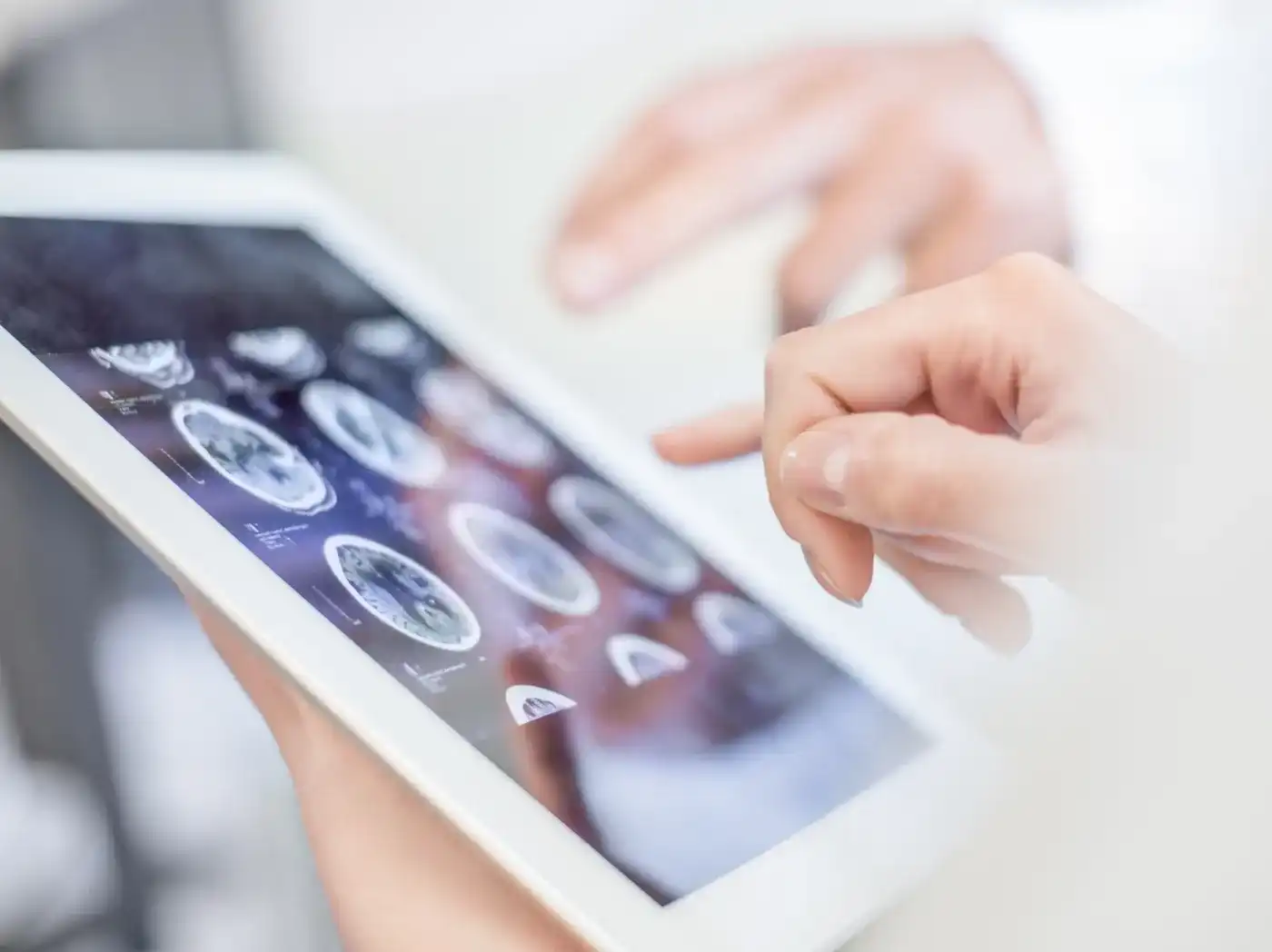
During ward rounds, in wound documentation and when updating the patient record, doctors and nurses work with tablets and smartphones. Some facilities also hand out loan devices to patients, for example with a therapy plan, menu and meal ordering, or discharge instructions. IT is therefore responsible for company-owned devices and staff’s personal smartphones on which patient data is processed.

Relution is an MDM and UEM solution that manages these devices from a single interface. Devices enroll automatically, load their profile, receive the approved apps and can be locked or wiped if lost. The same platform manages stationary computers at the workplace.

Personal cloud IDs from Apple, Google or Microsoft are not required for operation, because local directory services are connected via Active Directory, LDAP, SAML and OpenID Connect. Relution is developed in Stuttgart and is subject to German and European law.

What challenges does device management pose in healthcare?

Between ward rounds, shift changes and the ward workstation, devices pass through many hands. This results in five requirements for an MDM system:

  • The tablet used on ward rounds holds wound documentation and patient record entries. The password policy, Wi-Fi access and certificates are therefore already set up before the device goes to the ward.
  • When the early shift hands the tablet over to the late shift, the next nurse sees their own apps instead of the morning’s data.
  • Where facilities hand out loan devices to patients, these show only approved applications such as the therapy plan or menu. After return, the device is cleaned and goes to the next patient.
  • If the budget does not cover a company phone for each person, staff can work with their personal smartphones. Business data resides there in its own separate area.
  • If a device is left behind in a patient room or stolen, IT locks or wipes it remotely in compliance with data protection requirements.


Digital device management for hospitals, practices and care facilities

Relution manages iOS, iPadOS, macOS, tvOS, visionOS, watchOS, Android Legacy, Android Enterprise, Samsung Knox, Windows 10 and 11, ChromeOS and Linux distributions via a browser-based interface. New devices enroll themselves via Apple DEP, Android Enterprise Zero-Touch, Samsung Knox Mobile Enrollment (KME), Windows Autopilot or QR code. Password policies, Wi-Fi and VPN access and certificates are distributed via profiles, without credentials being passed on to users.

Relution runs in the facility’s own infrastructure or in German data centers, on a shared or dedicated server. St. Elisabeth Hospital in Cologne has been using Relution in clinical operations since the end of 2022, managing the mobile devices of its medical and nursing staff.

What does Relution offer for healthcare?

Three scenarios come up again and again in everyday hospital and care work: access to patient data, devices used by several people one after another, and staff’s personal devices.

Relution in use

  • Patient data stays on local servers

    Patient records and wound documentation are needed at the bedside, but they are stored on the facility’s servers.

    • Via connected file shares, doctors and nurses access the facility’s file servers over SMB or WebDAV
    • Patient data is backed up centrally there and is available on the tablet during ward rounds
    • Wound healing is documented and the patient record updated directly at the bedside
  • One device shared by several people

    Tablets change nurses with each shift, loan devices change with each patient.

    • In the Relution Shared Device mode, several people use the same iOS device one after another, logging in via a Relution or LDAP account without a Managed Apple ID
    • Each person receives the apps of their profile; when they log out, the apps are uninstalled and temporary data is cleaned up
    • For Windows computers at the ward workstation, the Shared PC policy is available
    • Kiosk Mode restricts Android devices to approved apps, and in Single App Mode only one application runs, for example for patient admission at reception
    • The Relution lending system hands out devices to patients for a limited period; after return, temporary data and browser histories are deleted
  • Business data in the Work Profile

    Personal smartphones of doctors and nurses are integrated via the Android Enterprise Work Profile or Apple User Enrollment.

    • Business apps and data are kept separate from the personal area
    • In the personal area, administrators have no visibility into the installed apps and no access to functions or settings
    • When the Work Profile is deleted, for example when a person leaves, all organization-related data is removed, while personal data is retained

Planning device management for your facility

The best way to clarify which devices are in use on the ward, at reception and among staff, and whether Relution should run in the facility’s own infrastructure or in German data centers, is a personal conversation with the Relution team.

Frequently asked questions about device management in healthcare

In hospitals, practices and care facilities, patient data is processed on tablets, smartphones and computers that are often used by several people one after another. An MDM system sets up these devices centrally, distributes policies and apps and removes the previous person’s data from the device at shift change. If a device is lost, IT locks or wipes it remotely. On staff’s personal smartphones, this only affects the business area.

Relution manages iOS, iPadOS, macOS, tvOS, visionOS, watchOS, Android Legacy, Android Enterprise, Samsung Knox, Windows 10 and 11, ChromeOS and Linux distributions such as Ubuntu, Debian and Red Hat. Management is browser-based.

Relution runs either in the facility’s own infrastructure or in German data centers, on a shared or dedicated server. No data is processed outside the EU. Patient data accessed via connected file shares remains on the facility’s file servers.

Yes. Local directory services are connected via Active Directory, LDAP, SAML and OpenID Connect. Personal cloud IDs from the manufacturers are not required for operation.

On iOS devices, each person logs in to the Relution Shared Device mode with a Relution or LDAP account and receives the apps of their profile. When they log out, the apps are uninstalled and temporary data is cleaned up. For Windows 10 and 11, the Shared PC policy is available.

Business data resides in the Android Enterprise Work Profile or in Apple User Enrollment, separate from the personal area. Administrators have no visibility into personal apps. When the Work Profile is deleted, only organization-related data is removed.

The device can be locked or wiped via the actions in the Relution Portal. Android Enterprise devices also offer Lost Mode with locking, location tracking and a message on the lock screen. On personal devices with a Work Profile, wiping only affects organization-related data.

Relution is currently undergoing certification according to Common Criteria EAL 4+ (ISO/IEC 15408) and is on the list of permitted MDM server products for Brightsite use with a BSI approval statement.