
Home
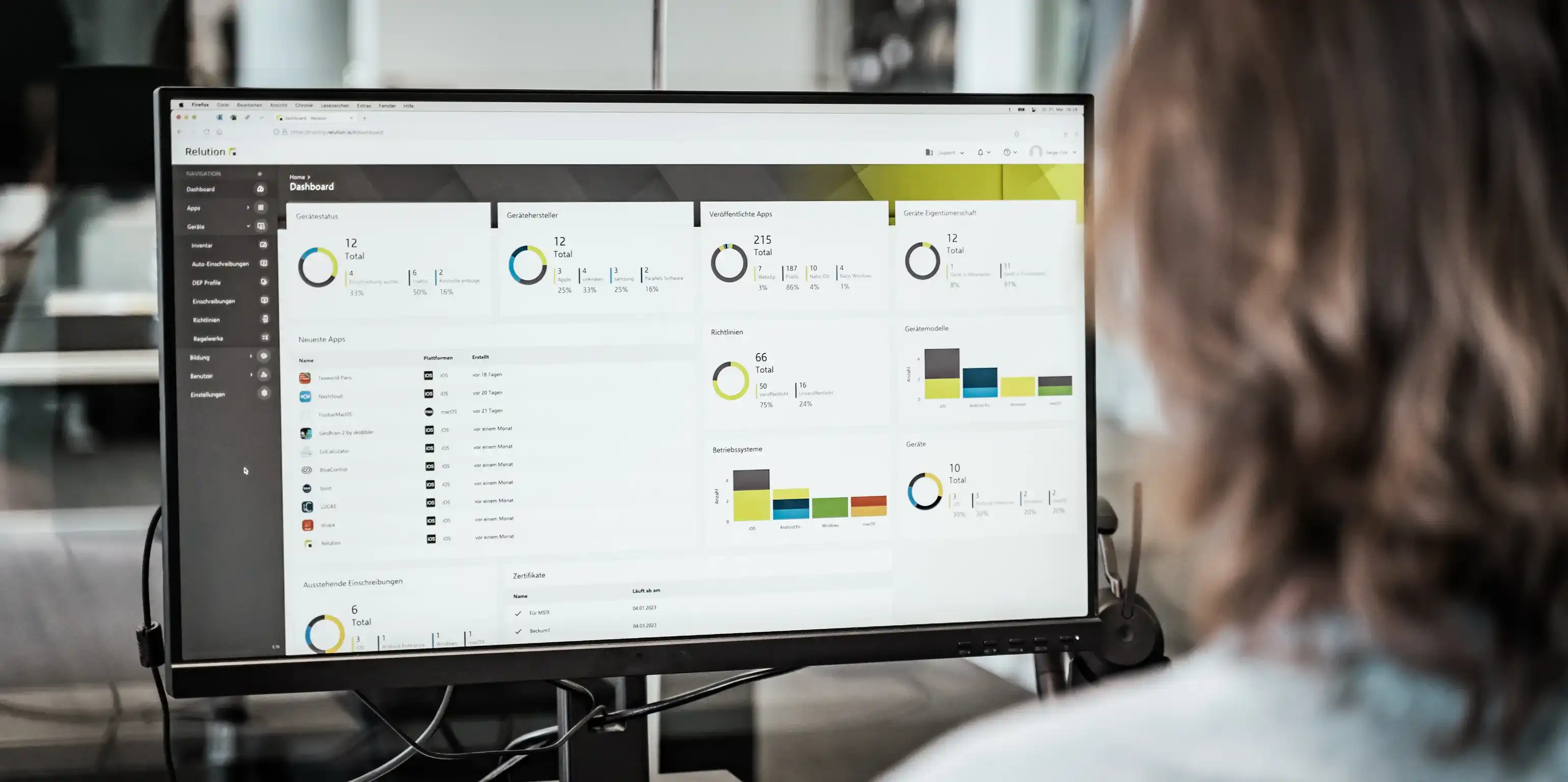
A person sits in front of a large screen displaying various charts and figures associated with the Relution dashboard

IT admins

More comfort and control

A person wearing headphones, seen from behind at a desk in an open-plan office, in front of a monitor displaying program code and a laptop

Mobile device management for IT admins

IT admins at schools are responsible for the technical operation of the devices used for teaching. They put new devices into service, distribute apps, review requests from teachers and step in when a device goes missing. Depending on the school board, the inventory ranges from several hundred to several thousand devices across different platforms.

Device management for IT admins

Schools rarely rely on a single operating system. iPads in the classroom, Android tablets in the lending pool, Windows laptops in the subject rooms and interactive whiteboards all have to be configured and supplied with updates in parallel. Maintenance continues between school years. A new Wi-Fi password or an expiring certificate affects every device in the inventory, and without central distribution each one would have to be updated individually. Without an overview of device status, it also goes unnoticed which devices a policy is not taking effect on or where an update is pending.

A mobile device management system (MDM) or unified endpoint management (UEM) moves this work from the individual device to a central interface. Devices are enrolled remotely and automatically, profiles and apps follow from the group assignment, and a change of user is a change in the directory service rather than a walk through the classroom.

Digital device management for IT admins

Relution manages iOS, iPadOS, macOS, tvOS, visionOS, watchOS, Android Legacy, Android Enterprise, Samsung Knox and Windows 10/11 via a browser-based interface, without additional software on the workstation. For each device, the portal shows the operating system version, the battery level, the storage usage, the installed apps and the compliance status. Deviations are therefore visible before a teacher reports them.

Because the sensitive data of minors is involved, data protection carries more weight here than in other environments. Relution is developed and operated in Germany, and hosting can take place in your own infrastructure, in a municipal data center or in a German cloud. Cloud IDs from Apple, Google or Microsoft are not required, because local directory services are connected via AD, LDAP, SAML and OIDC. Student data does not leave the EU.

What does Relution offer IT admins?

Relution covers the three areas that determine the workload of IT administration: enrolling the devices and handling user changes, distributing and maintaining the apps, and protecting the devices in case of loss.

Relution in everyday school life

  • Enrolling devices and handling user changes

    A device is unpacked and connected to the network, enrolls itself in Relution automatically and is then ready for use. The assignment to classes and users comes from the chosen directory or identity service, so the change of school year takes place there and not on the device.

    • Mass enrollment via Apple DEP, Apple School Manager, Android Enterprise Zero-Touch, Samsung KME and Windows Autopilot
    • Automatic configuration on first startup, including Wi-Fi, certificates, policies and apps
    • Users and groups from AD, LDAP, SAML or OIDC, so that class changes and departures follow from the directory service
    • Resetting and reassigning individual devices or entire device groups without physical access
    • Relution Shared Device Mode for iPads in multi-user operation, without Managed Apple IDs
  • Distributing apps and handling requests

    App requirements change during the school year, because subject departments test new apps and licenses expire. Teachers' requests come together in the portal instead of by email, and Relution handles updates in the background.

    • Auto-deployment across the board or per user group to teacher and student devices
    • Relution App Store as a catalog of approved apps that teachers install themselves
    • VPP licenses via Apple School Manager and Managed Google Play, without cloud IDs on the devices
    • Your own installation packages as .exe, .msi, .msix, .msixbundle and .app, plus software via WinGet for Windows specialist applications
    • App requests collected in the portal, with approval or rejection in one step
    • Updates and uninstallations in the background, without users having to intervene
  • Protecting devices and acting in case of loss

    In an inventory of several hundred devices, one is regularly missing. What counts for IT administration then is how quickly it can act without having the device in hand.

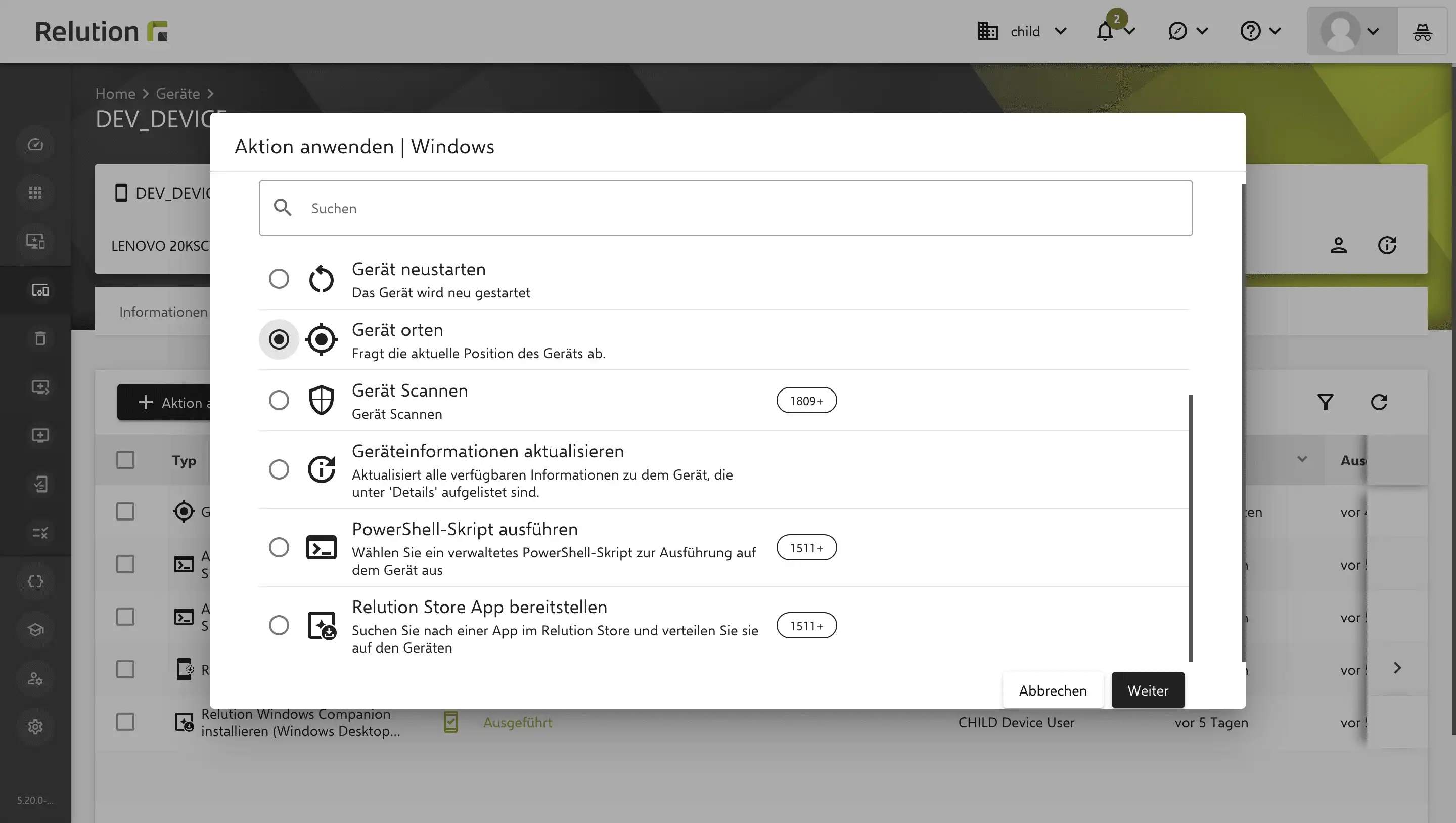
    • Lost Mode with locking, a message on the lock screen and location reporting to the portal, on school devices in full management
    • Remote lock and remote wipe, limited to the school area on private devices
    • Offline devices keep the policies last assigned to them; locking and wiping take effect at the next connection
    • Password policies and device encryption enforceable centrally
    • On iPads, Relution Decon filters content on the device and therefore independently of the network it is currently on

School IT that holds up in operation

At the start of the school year, during class changes or as device numbers grow, managing individual devices reaches its limits. Central, cross-platform management is the basis for operation that grows without additional staff and protects the data of minors.

Frequently asked questions about Relution for IT admins

Relution manages iOS, iPadOS, macOS, tvOS, watchOS, visionOS, Android Legacy, Android Enterprise, Samsung Knox and Windows 10/11. Alongside mobile devices, this includes stationary computers and interactive whiteboards, so the staff room and the classroom displays are part of the same inventory. All platforms run via the same interface; there are no separate consoles per operating system.

Relution supports Apple DEP, Apple School Manager, Android Enterprise Zero-Touch, Samsung KME and Windows Autopilot. Before being issued, the devices are registered to Relution in the respective program, usually via their serial numbers or by the reseller. On first startup, the device connects to Relution by itself after the network setup and takes on policies, certificates and the intended apps. This removes the need for individual configuration on the device, whether ten or a thousand devices are issued.

The range goes from five devices to five-digit numbers. Rechenzentrum Koblenz runs an installation with Relution for 41 schools with more than 23,000 active users, and the City of Stuttgart manages over 3,000 devices. New devices and users can be added during ongoing operation without anything changing in the existing configuration.

Classes, groups and users come from the connected directory service. Changes there affect the assigned profiles and apps, so a class change requires no adjustment on the device. Devices of departing students can be reset and reassigned in the new school year, individually or as a device group. The changeover therefore takes place in the management interface and not as a walk through the classrooms.

Apps are rolled out automatically via auto-deployment, across the board or per user group for teachers and students. Via the Relution App Store, the approved applications are available for self-installation, while mandatory applications, updates and uninstallations run in the background. VPP licenses run via Apple School Manager and Android apps via Managed Google Play, in both cases without cloud IDs on the devices. For Windows specialist applications without a store entry, your own installation packages as .exe, .msi, .msix, .msixbundle or .app are stored in the portal with version control.

The device can be locked or completely wiped remotely, without it having to be physically present. On school devices in full management, Lost Mode additionally shows a stored message on the lock screen and reports the location to the portal. On private devices in BYOD operation, the wipe affects only the school area, and private content is retained. If the device is offline, the policies last assigned continue to apply, and locking or wiping takes effect at the next connection to Relution.

Relution runs in the school's own infrastructure, in a municipal data center or with a German cloud provider, so the place of operation lies with the school board. Connecting local directory services makes cloud IDs from Apple, Google or Microsoft unnecessary, so no student accounts are created with US providers. Temporary user data is deleted after signing out, for example on devices in multi-user operation. There is no communication with servers outside the EU.

Relution integrates directory services via AD, LDAP, SAML and OIDC, so that users and groups come from the existing system and no additional accounts are created. File services can be connected via SMB and WebDAV, which means work results are stored on school servers instead of in cloud storage. Synchronization with Apple School Manager is possible, as is connecting Managed Google Play for app distribution.

On iPads, Relution Decon filters content with AI on the device itself and therefore works independently of the network the device is currently on. Filtering thus also applies on mobile networks and on home Wi-Fi, not only behind the school proxy. In addition, global HTTP proxies can be integrated and age restrictions for apps and content can be set centrally. IT administration defines the framework without anything having to be set up on the individual devices.

Yes. The integrated lending system assigns loan devices to individual students and records who received which device and when. Deadlines, returns and device status are in the portal, so open loans are traceable without a separate list. If a device does not come back, the same functions apply as in the case of a loss: locking, wiping and Lost Mode.