Home
Younger children in a classroom each holding a tablet

Digital education

Learning in the 21st century

A man sits on a table in a classroom with a chalkboard on the back wall. He is holding an iPad, while four younger people are discussing in the foreground

MDM/UEM for schools and educational institutions

Tablets, laptops and interactive whiteboards run in schools for learning apps, digital board content and the class register. Several parties are responsible for each device, and they need different rights and are liable to different degrees for data protection compliant operation.

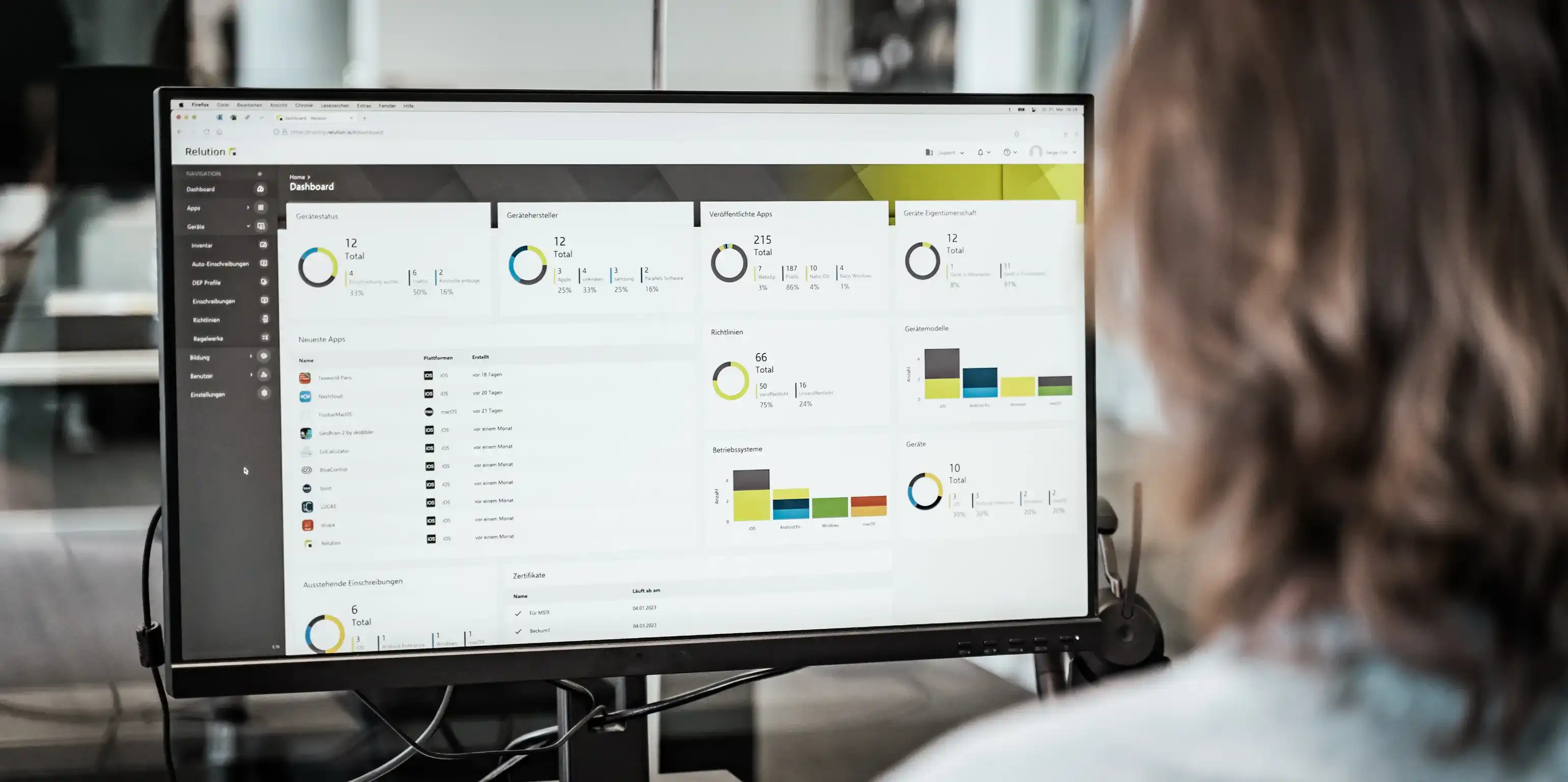
Relution is a mobile device management (MDM) solution that reflects this division. The school board manages its schools as separate tenants, the IT administration enrolls devices and distributes apps, and the teacher uses the Teacher App to control the individual lesson. All three work on the same platform, which also manages whiteboards and computers in the staff room.

Because the data of minors is involved, Relution is developed in Germany and operated on German servers: in your own infrastructure, in a municipal data center or in a German cloud. Cloud IDs from Apple, Google or Microsoft are not required, because local directory services are connected via AD, LDAP, SAML and OIDC.


A woman is holding a tablet in one hand and writing something with chalk on a green chalkboard with the other hand

What challenges does digitization bring for schools and educational institutions?

Digital teaching requires devices that are set up, kept up to date and manageable in the classroom. This results in five requirements for an MDM system:

  • Schools and school boards are legally obliged to use digital devices in compliance with data protection and the protection of minors. With providers outside the EU, student data may be processed on servers outside Germany.
  • Educational institutions run iOS, Android and Windows side by side. Separate administration tools for each operating system multiply the effort.
  • School boards, IT administration, teachers, students and parents access the same device with different rights. Roles and permissions have to be assigned separately.
  • The operating models differ from institution to institution: 1:1 equipment, tablet cases for class sets, lending devices for lessons at home and private devices as part of bring your own device (BYOD).
  • Learning apps have to be distributed centrally and released or blocked lesson by lesson during teaching.
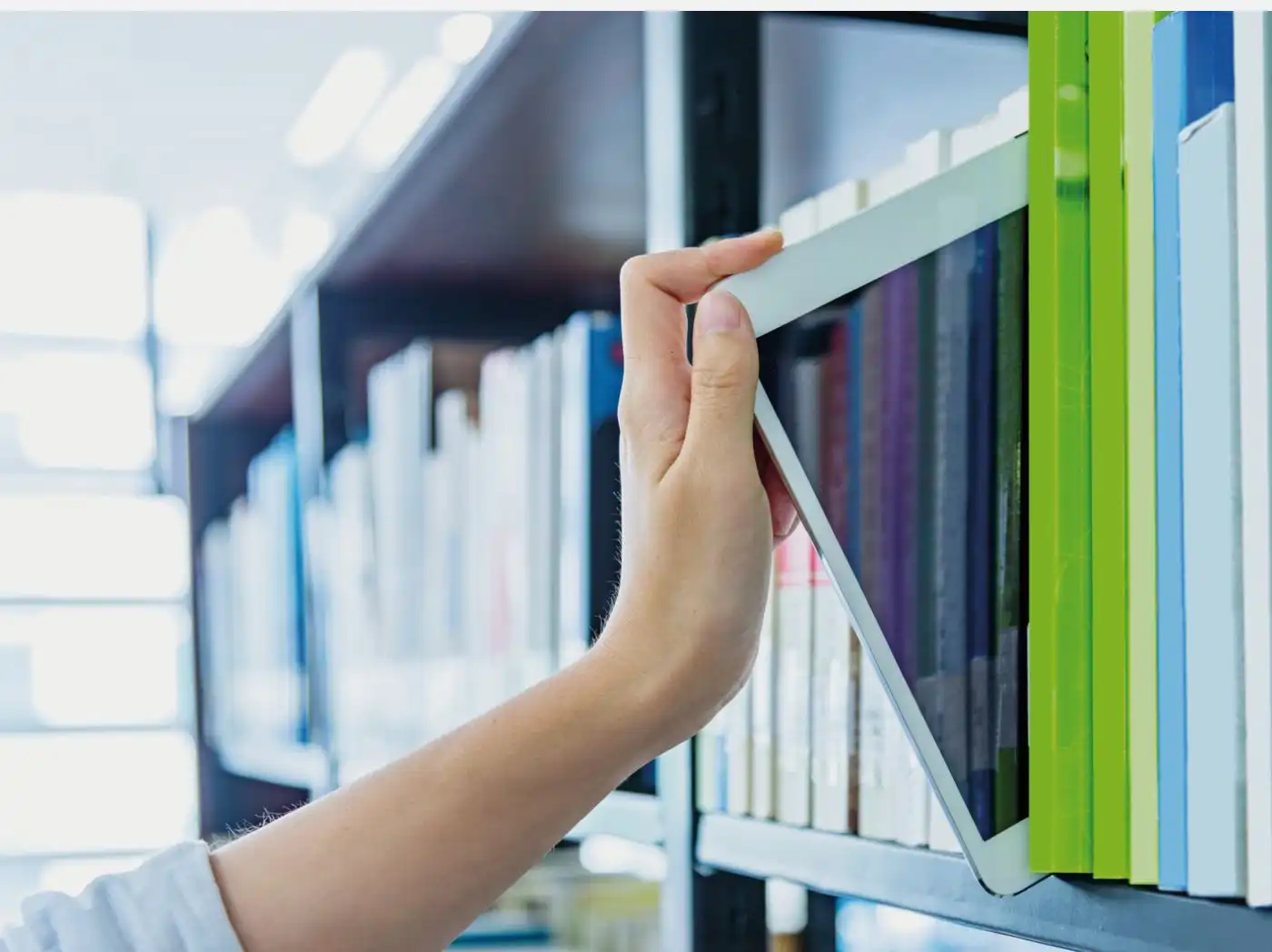
 A hand reaches for a tablet placed among numerous books in a bookshelf; in the background, many more shelves with books are visible

How does Relution support schools and educational institutions?

Relution covers operation from unpacking the device to the individual lesson:

  • Devices enroll themselves via DEP, Apple School Manager, Zero-Touch, Samsung Knox Mobile Enrollment (KME) or Autopilot and load their profile without anyone touching them individually.
  • For school operation, the Teacher App, a lending system, app requests by teachers as well as Apple Classroom and Samsung Classroom Management are available.
  • Relution Shared Device Mode allows iPads to be used in multi-user operation without Managed Apple IDs. After signing out, temporary user data is deleted.
  • Global HTTP proxies and age restrictions for apps and content enforce the protection of minors on the device.
  • Several schools under one school board are run as separate tenants, each with its own devices, profiles and permissions.
  • Via personal WebDAV and SMB shares, students store their work results on school servers. Relution Camera saves photos and videos to the same shares instead of in the device gallery.
  • Relution Decon filters with AI on the device and therefore on any network. The teacher adjusts the rules per lesson, for example for a research phase.

Relution for school boards, IT, teachers, students and parents

  • School boards

    The school board is responsible for procuring, financing and providing devices at all the schools assigned to it, and for operating them in a data protection compliant way. Relution runs these institutions as separate tenants on one platform, from a single site to a group with several thousand devices. Because the school board and the schools use the same interface, training and system maintenance are not needed twice.

  • IT administrators

    The IT administration configures and manages several hundred to several thousand devices from different manufacturers and operating systems side by side. Permissions, policies and apps also have to be managed. Relution combines mass enrollment, app distribution, profile management and device control in one interface. Updates and configuration changes are rolled out centrally, without access to the individual device.

  • Teachers

    The teacher decides which apps, functions and content are available on the student devices during their lesson. Via the Relution Teacher App, they create lesson profiles, release or block apps and activate lesson mode regardless of place and time, which makes secure and responsible teaching possible.

  • Students

    Students work on devices that are preconfigured for lessons. The learning apps they need are installed, and distracting content stays blocked during lesson time. Relution Decon filters reliably, even when the device is at home or on the mobile network. On shared devices, the work of individual users stays separate.

  • Parents

    Parents are responsible for their children's device use outside school. Relution implements the protection of minors and age restrictions on the device and makes it transparent which areas the school accesses. Via the Relution Parent App, parents manage use in free time themselves, for example screen times or permitted apps. With parent-funded 1:1 equipment and with private devices, the private area stays separate.

Frequently asked questions about device management in schools and educational institutions

An MDM is software for centrally managing, configuring and securing digital devices. For schools, it determines whether hundreds of devices can be set up, updated and, in case of loss, locked remotely and simultaneously. Without an MDM, every change is manual work on the individual device.

With providers outside the EU, student and user data may be processed on servers outside Germany. Relution is developed in Germany, operated on German servers and subject to German and European law.

Relution manages iOS, iPadOS, macOS, tvOS, visionOS, watchOS, Android Legacy, Android Enterprise, Samsung Knox and Windows 10/11, including interactive whiteboards. All devices run via a browser-based interface.

Shared Device Mode enables iPads to be used in multi-user operation without Managed Apple IDs. After signing out, temporary user data is deleted. Combined with Apple's Shared iPad Guest Mode, individual work and data protection remain compatible.

For private devices, Relution defines which areas of the device the institution accesses. The school context can be activated and deactivated, and personal data is not recorded.

Relution runs in your own infrastructure, in a municipal data center or in a German cloud. Cloud IDs from Apple, Google or Microsoft are not required, because local directory services are connected via AD, LDAP, SAML and OIDC.

Relution integrates global HTTP proxies and configures age restrictions for apps and content. This means students and trainees only reach age-appropriate content.

Each school forms its own tenant with its own devices, profiles and permissions. The school board sees all institutions, the individual school only its own area, which ensures a data protection compliant separation.

Relution covers school-owned devices, parent-funded 1:1 equipment, tablet cases for class sets, lending devices and BYOD. The models can be run side by side within one institution.

Yes. Relution scales from individual schools with a few devices to school boards with several institutions and several thousand devices. You can get started with a free trial version including five device licenses.