Relution Server 5.5
Windows 10 now officially supported
With Relution 5.5, Windows 10 integration is no longer a beta version and is now officially supported. Windows 10 devices can be enrolled, managed and configured. All features previously implemented for Windows 10 are fully available. For more information about the feature set of Windows 10 with Relution see Relution Insights.
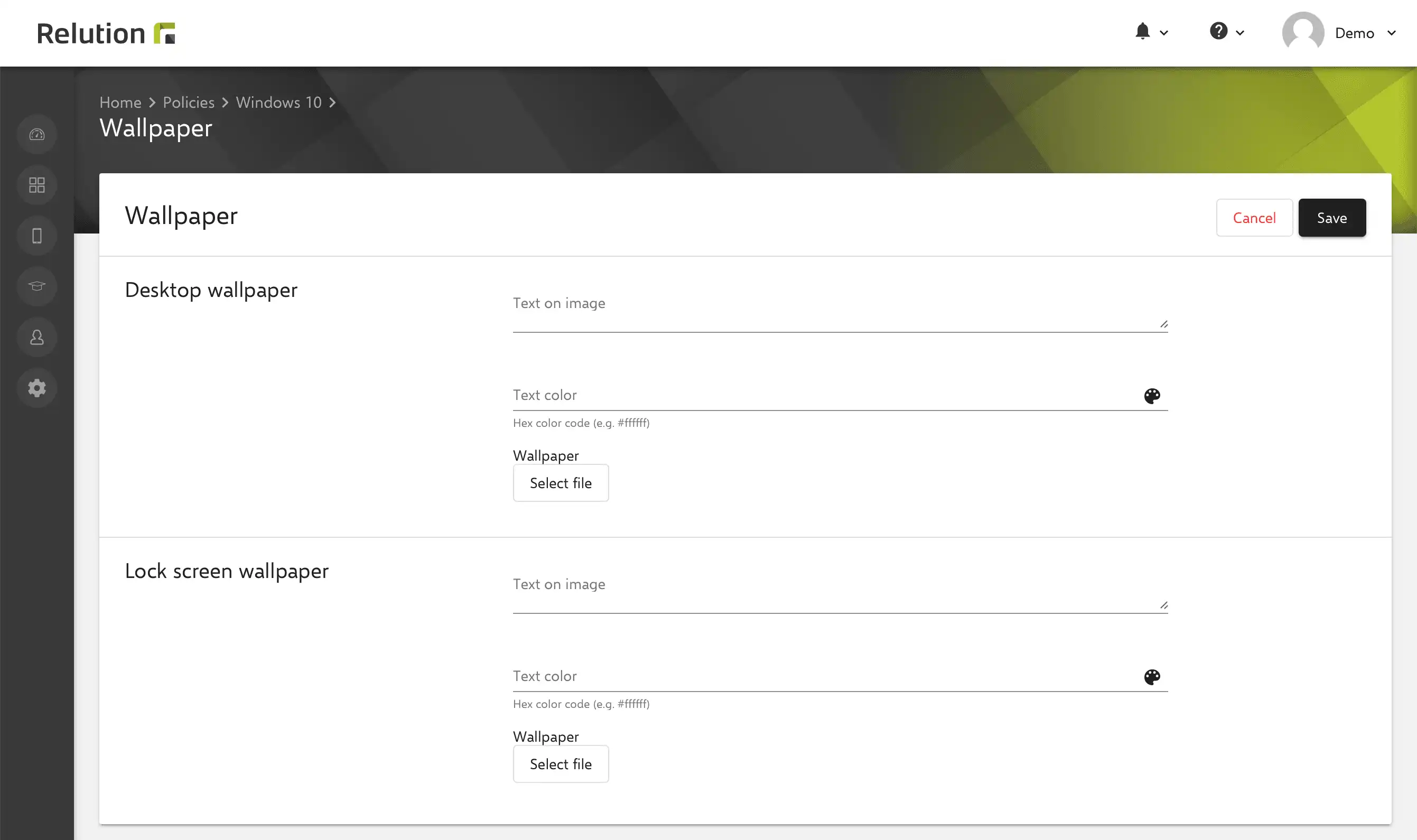
Manage background image
For Windows 10 devices, the Manage Wallpaper configuration can be used to define a wallpaper for the desktop and lock screen, as well as save text in color on the wallpaper. This feature is available for Windows 10 Enterprise and Education editions.

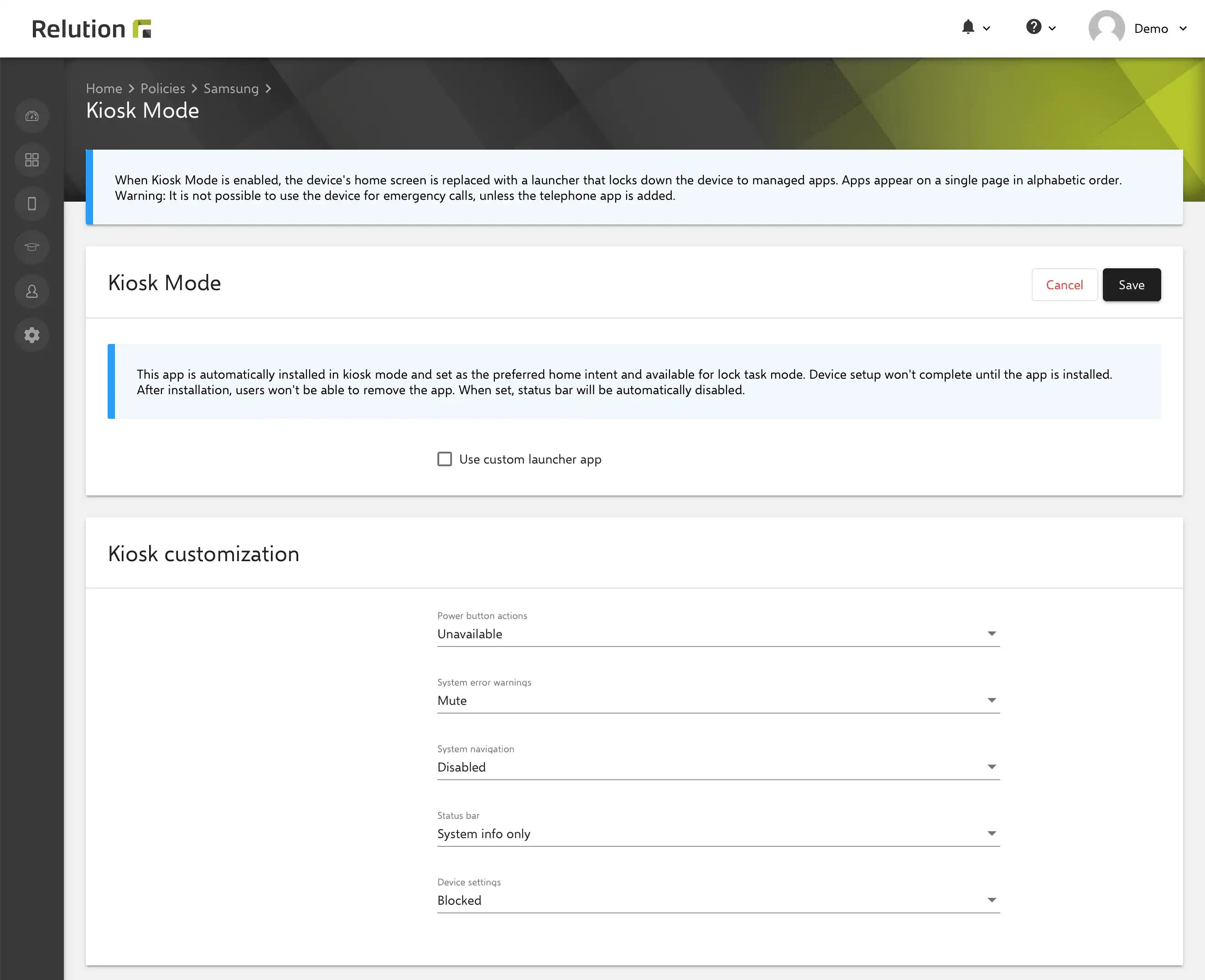
Kiosk Mode for fully managed devices
Add Kiosk Mode configuration for fully managed Android Enterprise devices. When Kiosk Mode is enabled, the device home screen is replaced with a launcher that restricts the device to managed apps. Apps appear on a single page in alphabetical order. It is also possible to individually select a single app as the launcher app, which cannot be broken out of on the device.

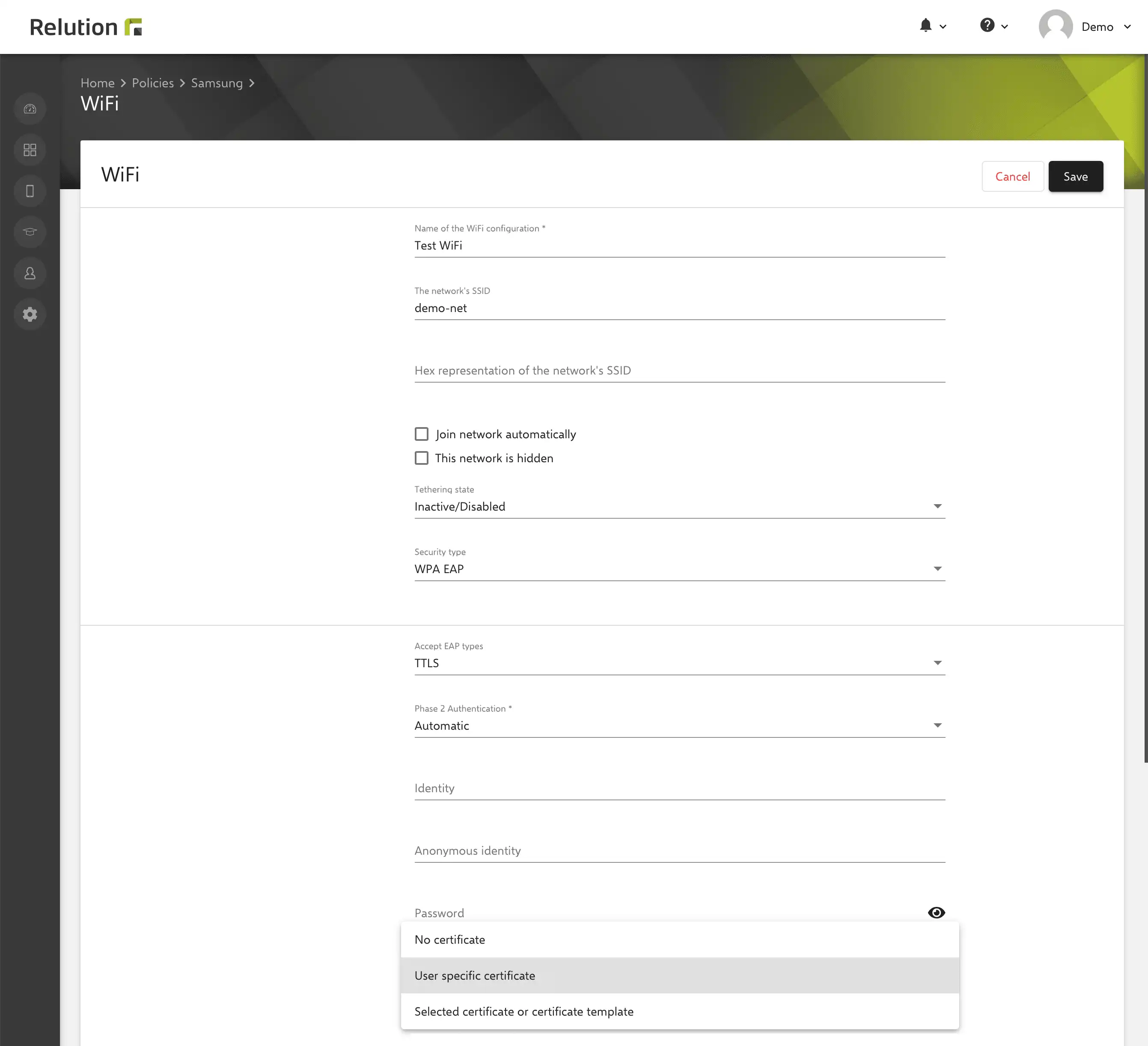
WiFi configuration with certificates
User-based certificates and certificate templates (PKI configurations) can be used in the Android Enterprise WiFi.

New restrictions for iOS 15
Apply the settings for “Open from …” also for Copy and Paste:
-
If enabled, the restriction "Allow opening of managed documents in unmanaged apps" and "Allow opening of unmanaged documents in managed apps" can be used to control whether information copied from managed apps can be pasted into unmanaged apps and/or vice versa.
-
Translate only on the device itself, do not connect to Siri servers:
-
When enabled, connections to Siri servers for translation are disabled.
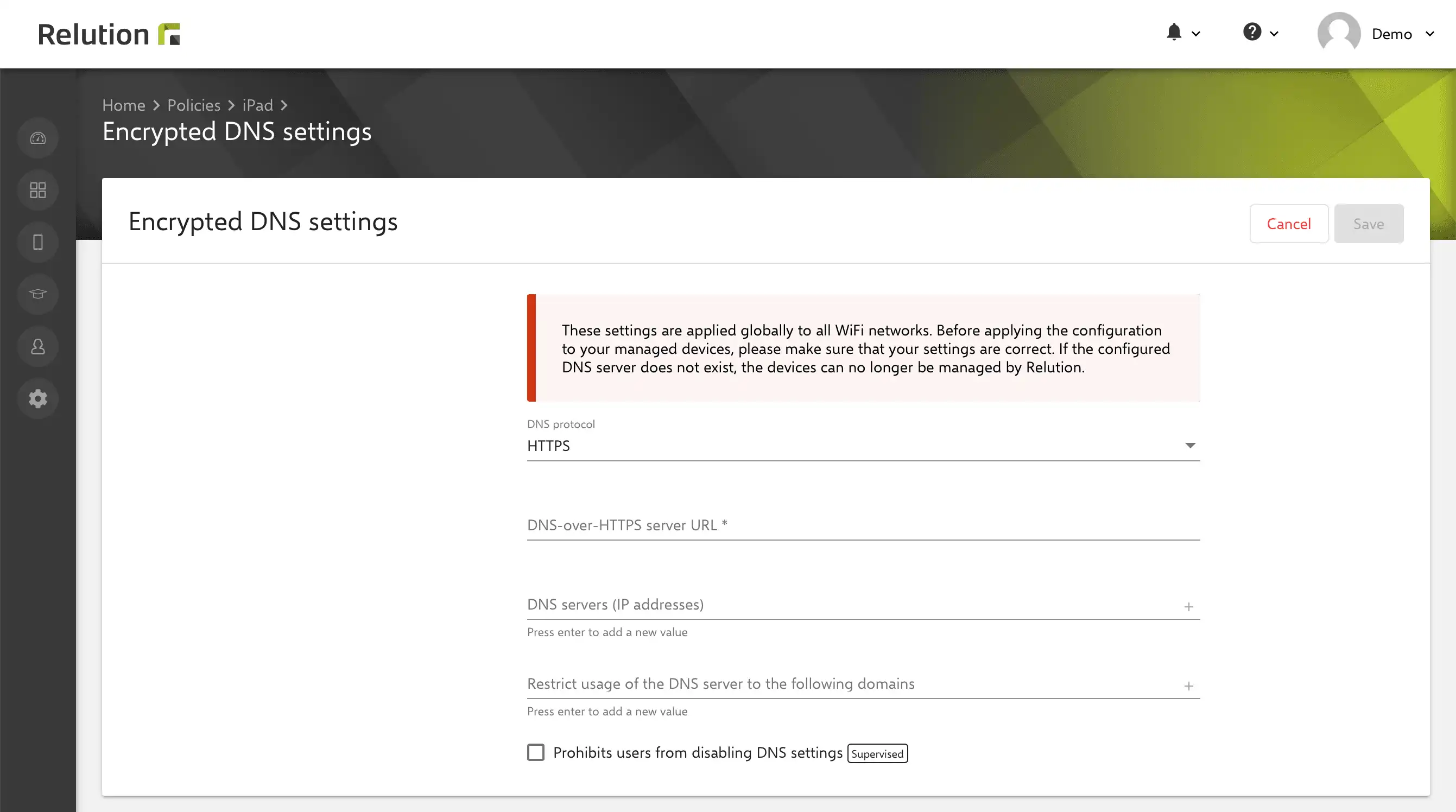
Added the new configuration “DNS Encryption Settings” for iOS and macOS devices to be applied globally to all WiFi networks configured via Relution to increase privacy and security.

Retrieve active user accounts for iOS and macOS
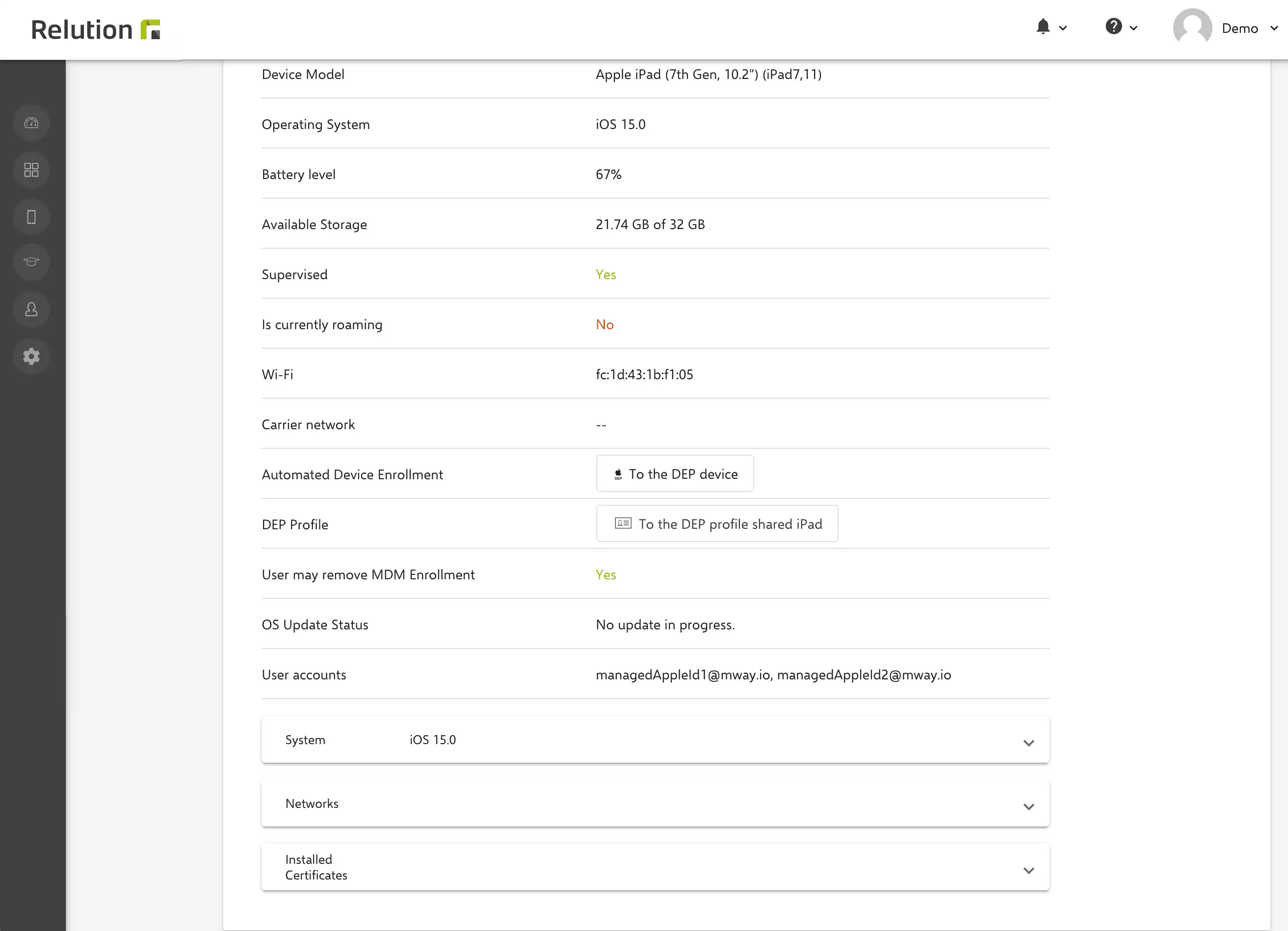
Existing user accounts on corresponding devices are automatically queried when updating the device details via the “Update device information” action. This feature is only available for Shared iPads or macOS devices enrolled via DEP and in Monitored Mode.

Content caching for macOS
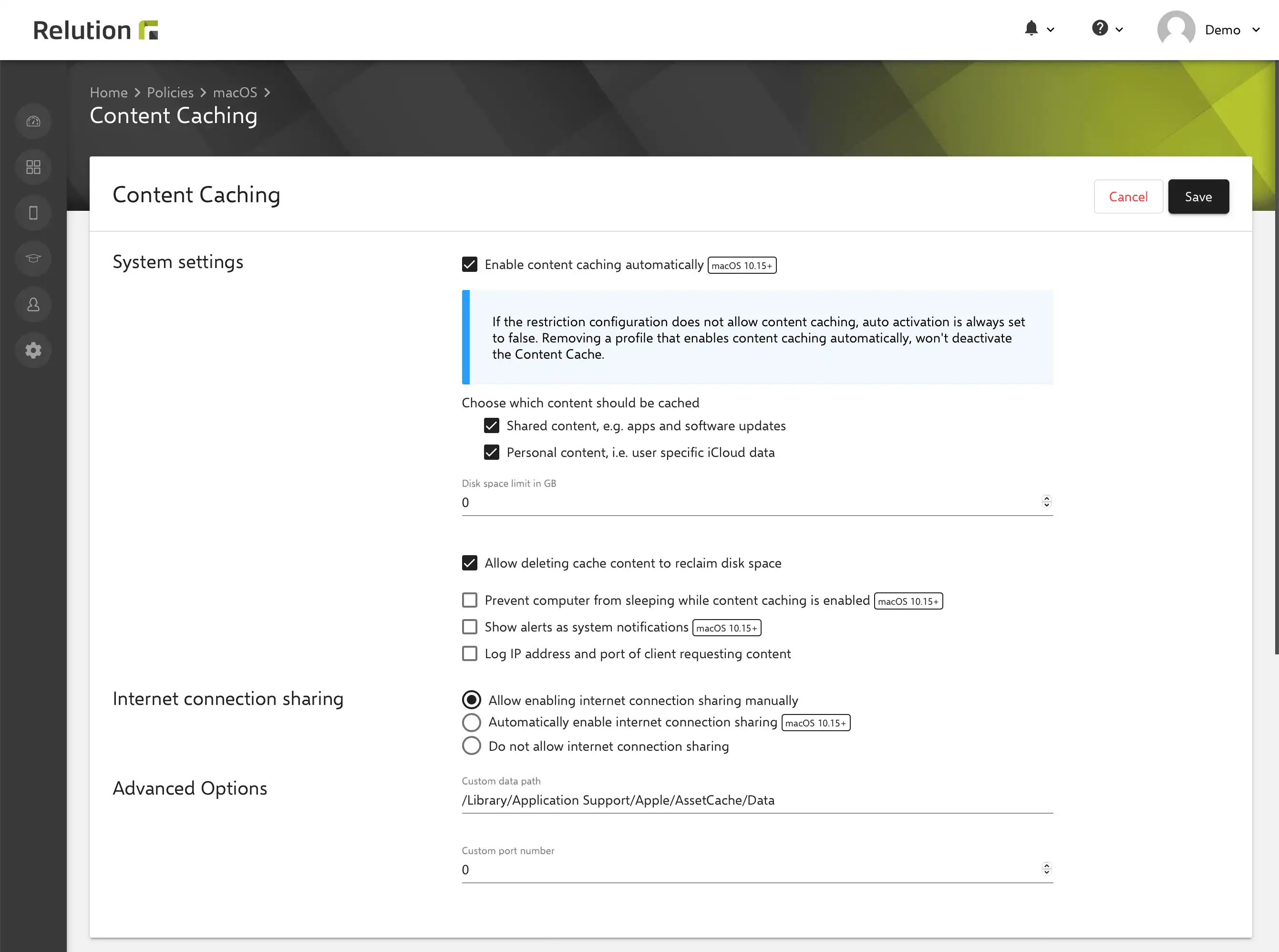
The “Content caching” configuration can be used to configure functions and settings for caching on macOS devices.

- Display of Apple product names in a readable format in the model column of the inventory list and the detail views for devices.
- Editing of search field badges via click on an existing chip.
- Allow requested apps in the "Published" status in the Relution Teacher console.
- Deleting the location data of a device after the device has been located and Lost Mode is deactivated.
- Disable Android Enterprise enrollment and display a tooltip if Android Enterprise is not set up in the settings.
- Showing a tooltip for all iOS restrictions with an iOS 14.5 badge.
- Home screen layout editor display by default with switch to grouping apps by categories via radio buttons.
- Add filter for devices without policy in inventory overview.
- Using the already existing Android Enterprise device if it matches the device identifier of a newly registered device.
- Counting delivered actions as open actions for devices.
- Ensure prior installation of the App Installation certificate for Windows 10 devices to install an MSIX package via App Conformance Configuration.
- Transfer apps automatically installed via Relution to other physical devices via device backup.
- Allow password change for users even if the user is not a member of a group (at least "User").
- Enable auto-enrollments even if the assigned user is not a member of a group (at least "Device User").
- Fix menu in expanded state per user after logout and remember login.
- Troubleshooting when applying the "Remove App" action for Windows 10 devices.
- Bug fix for sorting and pagination in the app details under "Devices using this app".
- Troubleshooting Android Enterprise Apps Manage Configuration After Individual Apps Configuration.
- Troubleshooting duplicate or missing entries in the history Android Enterprise devices.
- Reduction of logged warnings when retrieving files on Microsoft SQL Server.
- Troubleshooting when an LDAP server does not return a "group member" attribute.
The changelog for the release can be found here.