


Automation of device setup
Auto Pilot and other enrollment options automate the registration of new devices, saving IT teams valuable time and ensuring consistency.
Windows MDM
Relution offers a comprehensive and GDPR-compliant solution for easy management of Windows devices, including laptops, desktops, and tablets running Windows 10 and 11. Optimize your IT processes with automated configurations, centralized security policies, and efficient app and patch management.
Relution is the ideal solution for secure and centralized management of Windows devices in corporate or educational environments. Flexible enrollment options such as Auto Pilot, Bulk Enrollment, or manual setup make device onboarding straightforward and efficient. With Relution Companion for Windows, IT teams gain access to advanced management options, such as running PowerShell scripts and installing applications in the device context. Relution optimizes IT workflow through centralized policy management, device monitoring, and security configuration—perfect for hybrid work models, educational institutions, and public institutions.
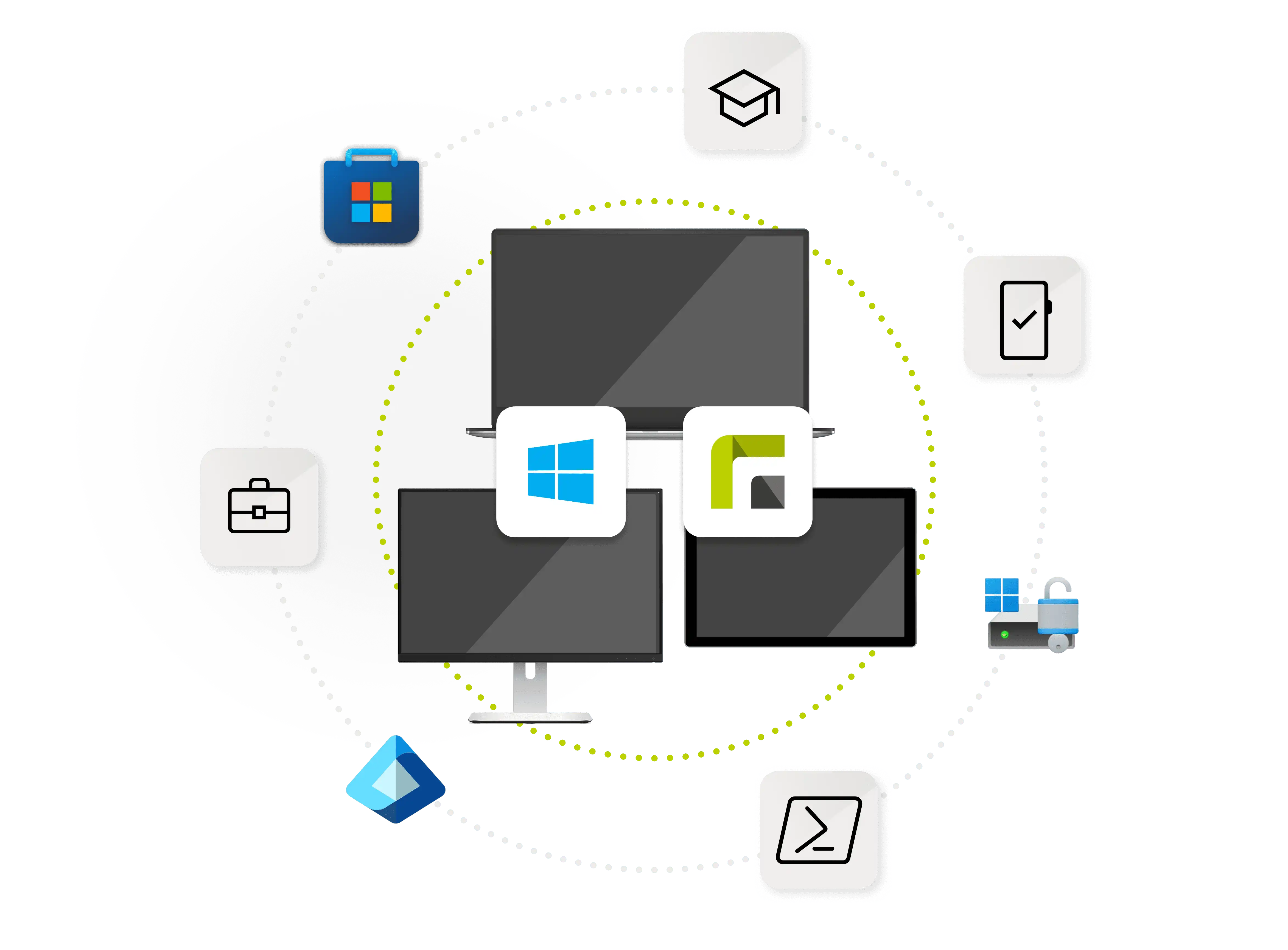
Relution offers all the essential features for efficient and secure management of stationary and hybrid Windows devices. Businesses and schools benefit from centralized control that simplifies the configuration, monitoring, and security of their device fleet.
Auto Pilot and other enrollment options automate the registration of new devices, saving IT teams valuable time and ensuring consistency.
BitLocker ensures hard disk encryption, and remote wipe functions protect sensitive data from unauthorized access. GDPR-compliant security policies increase data protection.
Install and configure applications from the Relution App Store and Microsoft Store using Windows Companion. Formats such as EXE, MSI, and MSIX are supported, including automated license management.
Keep the operating systems and third-party programs on your devices up to date to close security gaps and avoid performance issues.
Settings such as Wi-Fi profiles, network security, and kiosk mode can be managed centrally—ideal for standardized IT environments.
Relution enables the centralized execution of PowerShell scripts to efficiently perform complex automation and management tasks on Windows devices.
Relution provides all the key features for powerful Windows MDM, making device management not only easier but also more secure:
Windows devices require uniform security standards and centralized control, especially for remote workforces and BYOD.
Automated configurations, security policies, and device monitoring ensure protection and efficiency. The Relution Companion enables remote security measures, such as remote deletion and device locking.
Use Relution to manage your Windows devices securely and efficiently. Get started now with a free demo and see how easy centralized control and device security can be.
Companies and institutions must comply with strict regulations such as the GDPR to ensure the protection of sensitive data.
With BitLocker encryption and role-based access controls, Relution meets all requirements for legally compliant data security.
In times when hybrid working models—i.e., a combination of office and remote work—are increasingly becoming the norm, powerful MDM plays a key role.
Hybrid workplaces require flexible IT structures to ensure security and productivity even outside the company network.
Centralized VPN and Wi-Fi configurations, as well as network security and access policy management, ensure protection and flexibility.
Relution includes all essential features for easy and secure management of your Windows devices:
Automated device enrollment with Auto Pilot, via bulk enrollment, or manually.
Device-specific app installations via the Relution App Store and Microsoft Store.
Strong protection through BitLocker encryption and remote deletion in case of loss.
Central configuration of network settings: Wi-Fi, VPN, and more.
Execution of PowerShell scripts for automated administrative tasks.
Remote controls such as restart, device lock, or reset.
Comprehensive patch management to close security gaps.
Compliance monitoring through detailed reporting in the central dashboard.
Relution supports Windows 10 and 11 in the Home, Pro, and Enterprise editions, as well as devices such as laptops, desktops, and tablets. With Relution Companion, specific tasks such as script installation can be controlled. This gives administrators the flexibility they need to optimally manage devices and enforce security measures.
Security features include hard disk encryption with BitLocker, VPN configurations, and remote wipe in case of device loss. If a device is compromised, Relution protects your data with policies that can be rolled out quickly and centrally. These security measures are ideal for companies that want to comply with GDPR requirements and protect sensitive company data.
Relution automates registration, configuration, and app management. IT teams can centrally enforce policies, manage software updates, and apply security measures such as data deletion. Even complex processes such as device resets or the activation of PowerShell scripts can be easily executed, making the entire IT workflow more efficient.
With WinGet, Relution offers IT administrators a quick and easy way to manage and update apps on Windows devices. WinGet recognizes already installed software, updates it automatically, and thus saves considerable effort in packaging and distributing updates. Educational institutions in particular benefit from the efficiency of automated software distribution, as it reduces administrative overhead and minimizes errors.
Yes, Relution integrates seamlessly with Microsoft products such as Azure AD. This enables companies to automate and securely perform both user management and device configuration. By combining Relution and Azure AD, enrollments, security requirements, and user rights can be controlled centrally.
IT administrators can automatically install and manage applications from the Microsoft Store as well as custom company applications. Supported formats such as MSIX, EXE, and MSI enable a high degree of flexibility. License management, central allocation, and removal of unnecessary applications can also be carried out in just a few steps.
Yes, Relution supports multi-user devices. Different profiles can be created with specific policies that regulate access to networks, security requirements, or applications, for example. This is particularly helpful for shared devices in educational institutions or public facilities, where privacy protection and policy compliance are top priorities.
With Relution, you get a guide that unerringly leads you through digital obstacles and provides orientation. Test five free device licenses now as digital “beacons” in your election infrastructure.