


Simple device lifecycle management
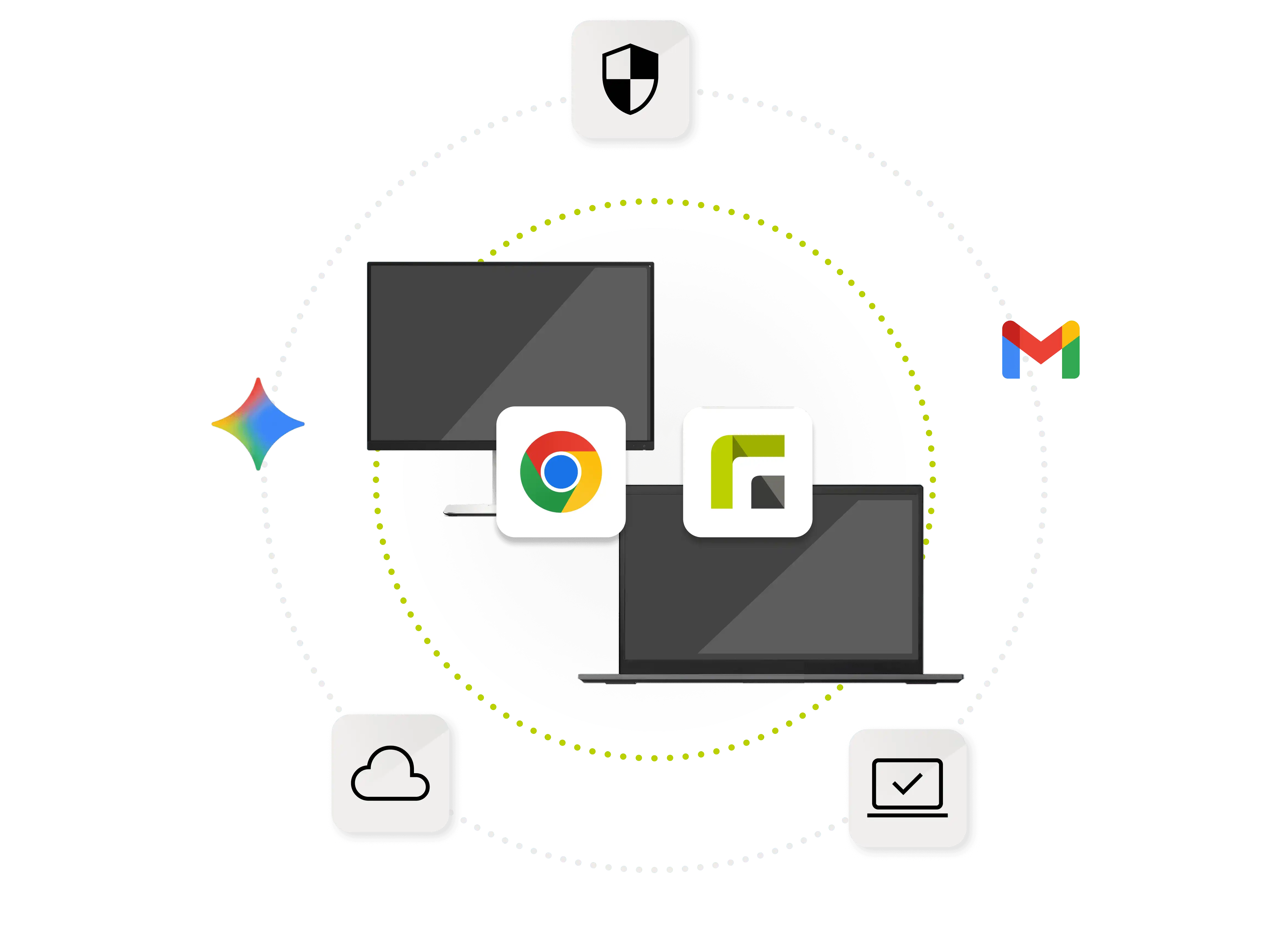
Automated registration, quick configuration, and centralized monitoring significantly improve workflow when using ChromeOS devices.
ChromeOS MDM
ChromeOS devices such as Chromebooks are growing in popularity in businesses, educational institutions, and hybrid work environments. With their efficiency, security, and ease of use, they offer an ideal platform for a wide variety of scenarios. Relution offers a stable and GDPR-compliant solution for the centralized management of ChromeOS devices. Through automated configurations, app management, and security policies, companies can optimize their IT processes and maximize user productivity—whether they are mobile teams, educational institutions, or businesses.
Relution is the ideal solution for centralized and secure management of ChromeOS devices. The platform facilitates the rollout of new Chromebooks through automated registration and configurations. IT departments can efficiently implement app and policy management and control all devices centrally.
Support for features such as kiosk mode, remote control, and browser management makes it possible to customize ChromeOS devices to the individual requirements of any organization. Relution also integrates seamlessly into hybrid IT environments, allowing companies to manage all platforms—from ChromeOS to Windows—in a unified dashboard.
Relution offers all the necessary features to manage ChromeOS devices securely and efficiently. With centralized security policies, reliable app management, and flexible configuration options, device management becomes easier and more productive.
Automated registration, quick configuration, and centralized monitoring significantly improve workflow when using ChromeOS devices.
Whether in education, retail, or business, features such as kiosk mode and policy enforcement offer a wide range of possible applications.
Relution protects sensitive data and secures devices against threats such as theft or unauthorized use through role-based access, remote deletion, and device locking.
With Relution, companies can centrally manage web apps and Android apps and distribute them directly to Chromebooks—quickly and easily.
Thanks to automated processes and extensive management functions, Relution is suitable for both small teams and organizations with large device fleets.
Relution enables fast and centralized distribution of system and app updates to all ChromeOS devices.
Relution provides all the key features for powerful ChromeOS MDM, making device management not only easier but also more secure:
Managing Chromebooks in hybrid work models must be simple and flexible in order to efficiently connect different locations.
Through centralized policy management and rapid rollout of new devices, Relution enables seamless collaboration between Chromebooks in hybrid teams.
Use Relution to manage your ChromeOS devices securely and efficiently. Get started now with a free demo and see how easy centralized control and device security can be.
Protecting sensitive data and complying with legal requirements are just as essential for ChromeOS devices as they are for other platforms.
With security policies such as user roles, device locking, and encrypted connections, Relution ensures that all security requirements are met.
Chromebooks have established themselves as flexible and cost-effective devices in both education and retail. To realize their full potential, targeted optimization of management, security, and user experience is crucial. This simplifies learning and work processes, reduces downtime, and makes operations sustainably efficient.
Educational institutions and retailers require customized device configurations—such as kiosk mode or device sharing—for specific functions.
Relution makes Chromebooks flexible to use by turning devices into kiosks or providing dedicated profiles and policies.
Relution includes all essential features for easy and secure management of your ChromeOS devices:
Automated registration and quick configuration.
Policies and app management via a central dashboard.
Support for kiosk mode and device sharing.
Control of networks, VPNs, and browser settings.
Remote deletion and device locking in case of theft or loss.
Real-time location tracking and monitoring.
Scalability for small teams and large device fleets.
Relution protects your ChromeOS devices with robust security policies tailored specifically to the needs of modern businesses. These include features such as role-based access rights, which ensure that only authorized users can access sensitive data. With remote wipe and device lock, lost or stolen devices can be quickly secured. In addition, Relution enables the centralized application of policies for VPN or Wi-Fi configurations, which increases network security. These measures not only ensure data protection and compliance, but also protect against potential cyber threats.
Yes, Relution supports hybrid IT structures and enables ChromeOS devices to be seamlessly integrated alongside other platforms such as Windows, macOS, or Linux. All devices can be managed via a unified dashboard, which significantly reduces administrative overhead. Companies and educational institutions can centrally enforce data security and access control policies. Hybrid teams and remote employees in particular benefit from the flexibility Relution offers, as uniform standards are guaranteed regardless of location.
Relution relies on automated processes to streamline the setup of Chromebooks. With support for mass enrollment, many devices can be enrolled and configured simultaneously, significantly reducing the workload for IT teams. Central profiles ensure that all devices are equipped with the same security policies, network settings, and applications. This not only ensures consistency, but also reduces sources of error and saves valuable time. This supports rapid scaling even in large organizations.
Yes, Relution offers special features that are ideal for educational institutions and retail stores. Educational institutions can use Chromebooks in kiosk mode to restrict them to learning applications and avoid distractions. Shared devices can also be used safely in classrooms, as personal data is automatically deleted after login thanks to the ephemeral mode. In retail, Relution enables Chromebooks to be configured as kiosk systems or point-of-sale stations, where dedicated applications and content can be provided. In both cases, security and ease of management are key advantages for these areas of application.
Yes, Relution offers comprehensive options for centralised control of applications and policies. IT administrators can manage both web apps and Android apps via a central platform and distribute them directly to Chromebooks. Custom applications can also be seamlessly integrated and updated as needed. In addition, policies for device security, network configuration, or usage behaviour can be centrally defined and monitored. The ability to standardize policies across devices ensures a high level of efficiency and security across the entire fleet.
With Relution, you get a guide that unerringly leads you through digital obstacles and provides orientation. Test five free device licenses now as digital “beacons” in your election infrastructure.